
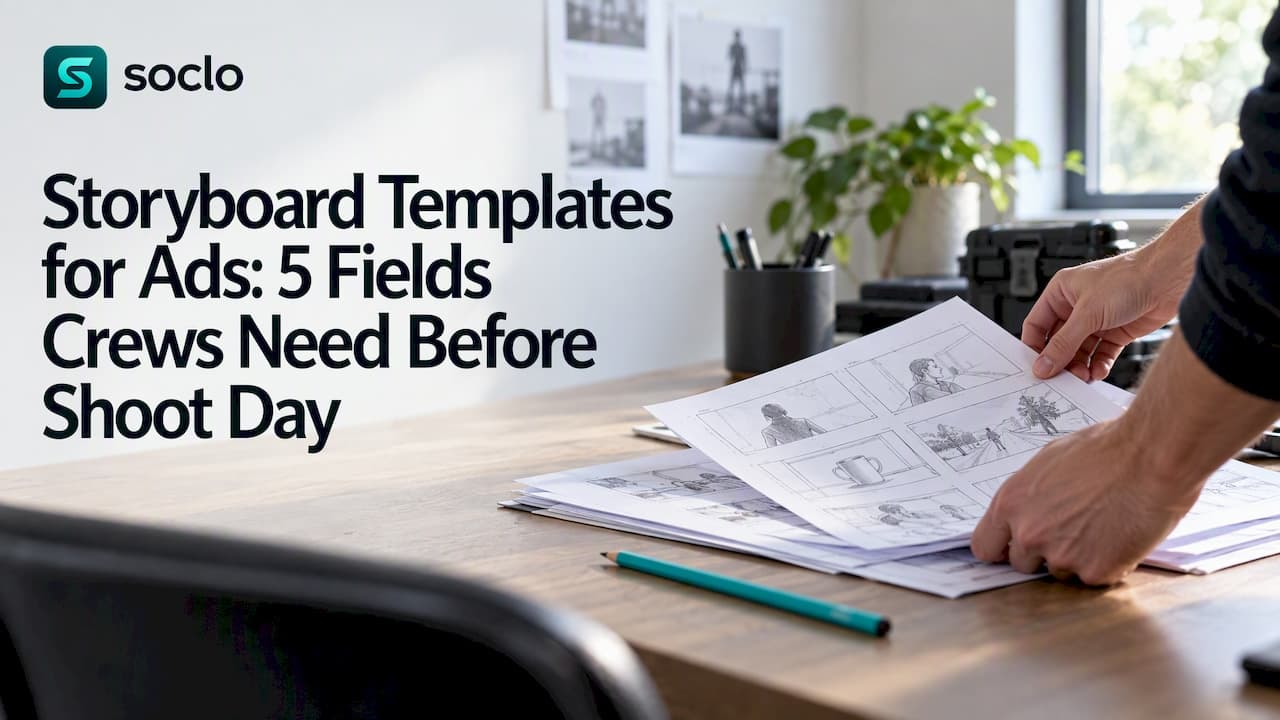
A storyboard for an ad is a frame-by-frame visual and script blueprint that maps your key beats, timing, and audio so production can shoot and the client can sign off. For a 15-second spot, aim for 4 to 8 frames; for 30 seconds, 4 to 12 frames annotated with voiceover, sound effects, and a final branded frame. The sections below walk through exactly how to build one.
TL;DR:
- Set the master aspect ratio before drawing; map the hook, product reveal, and closing brand moment, then test pacing with rough thumbnails.
- Each panel should pair a visual with action or script, timing, audio, screen copy, and camera guidance; reserve lens details for the shooting board.
- Use 4 to 12 frames for a 30 second spot, and group continuous action under one camera setup instead of drawing every small movement.
- Add an animatic when approval happens remotely or music dictates the edit; static frames suffice when the client is present and timing is simple.
Table of Contents
- What a commercial storyboard is and why it matters
- Anatomy of a storyboard frame: what to write in each panel
- Step-by-step workflow to create a storyboard for an ad
- Choosing fidelity: thumbnails, presentation boards, and social cutdowns
- Storyboard vs shooting board vs animatic: quick decision rules
- Common mistakes, pacing rules, and practical fixes
- Examples and templates: frame counts and a panel template to copy
- Modern boarding workflows: where AI fits and where humans still lead
- A brief checklist I use before boarding any ad
- How Soclo turns your storyboard into a finished ad
- FAQ
- Sources
What a commercial storyboard is and why it matters
A commercial storyboard exists to get everyone, the client, the director, the editor, on the same page before anyone spends money on a shoot day. It forces decisions about timing and sequencing early, when changes are cheap, instead of on set, when they are not. According to Campaign Theory, a storyboard translates a script into a sequence of frames showing what the viewer sees, hears, and when, and a 30-second ad typically runs 4 to 8 frames, with each one representing a meaningful narrative beat rather than a literal cut.
A storyboard is usually enough to win approval and plan a shoot. You only need to go further, into an animatic or a shooting board, in specific situations:
- The client is remote and cannot read timing from static frames alone.
- The spot is music-driven and the edit needs to hit specific beats.
- The director needs camera coverage, blocking, and lens notes before the shoot day.
Frame count should track runtime, not ambition: more frames than the ad can hold just slows down approval and confuses the edit.
Anatomy of a storyboard frame: what to write in each panel
Every panel on a commercial storyboard carries the same core fields, whether you sketch it by hand or build it in a document. Skipping any of these is how boards end up misread on set.
- Visual: a rough sketch or reference image plus a one-line description of what's on screen.
- Script or action: who does what, the exact line if someone speaks, and a rough timestamp.
- Audio notes: voiceover, music cues, and sound effects, written even when they feel obvious.
- Super text: any on-screen copy, pricing, or legal disclaimer that needs to appear.
- Camera notes: shot type (wide, medium, close) and any camera move, kept as guidance rather than a technical spec.
The goal is that someone who was not in the creative meeting can read a panel and understand what happens, what's said, and what's heard, without asking you to explain it. Over-specifying lens choices at this stage usually just slows down the conversation; save that detail for the shooting board.
Step-by-step workflow to create a storyboard for an ad
Building a board in the right order saves redraws later. Here's the sequence that works from brief to sign-off:
- Lock the brief and duration first. You can't board a spot whose length is still undecided.
- Set a master aspect ratio, usually 16:9, before drawing a single frame.
- Map the key beats before sketching anything: the opening hook, the product reveal, and the closing brand moment. Locking these three pillars first reduces redraw cycles later.
- Run a thumbnail pass to test sequencing and pacing cheaply, then promote only the keeper thumbnails to full panels.
- Annotate every panel with voiceover, sound effects, timing, and any reframing notes needed for vertical or square social cutdowns.
- Decide if you need a shooting board or an animatic on top of the storyboard, based on who's approving and how the edit is paced.
- Record version numbers and named approvers on every round, so nobody shoots from an outdated board.
Pro Tip: Keep thumbnails small and rough on purpose: a board that looks too finished too early invites feedback on art style instead of story and pacing.
This order matters because beats-first boarding keeps the story sound before you spend time on art. A board with gorgeous panels in the wrong sequence still needs a rewrite; a rough board with the right sequence just needs better drawings.
Choosing fidelity: thumbnails, presentation boards, and social cutdowns
Not every storyboard needs the same polish, and matching fidelity to the stage saves time without losing clarity.
- Thumbnails are fast, rough, and meant for internal sequencing checks, not client eyes.
- Presentation boards add cleaner art and full annotation for client review and sign-off.
- Production boards stay functional over pretty, since the crew reading them on set needs clarity more than polish.
MINIM's production workflow guide recommends boarding the master aspect ratio first, typically 16:9, and marking individual frames for reframing into 9:16 or 1:1 rather than trying to compose multiple aspect ratios into a single panel. Photoreal panels are worth the extra time mainly for high-stakes pitches where the client needs to see finished look and tone before committing budget; for most internal and production use, loose sketches move faster and get approved just as well.
Storyboard vs shooting board vs animatic: quick decision rules
These three deliverables solve different problems, and confusing them wastes both time and budget. Storyboards sell the story and get client sign-off. Shooting boards give the director and crew camera coverage, blocking, and technical detail. Animatics test timing by cutting the boarded frames to a rough edit with music and voiceover.
According to Seb Antoniou's comparison guide, most productions move through storyboard first, then animatic, then shooting board, and an animatic becomes far more valuable when presenting to remote clients, since static frames alone tend to obscure timing.
- Storyboard: narrative sequencing and client approval, lowest cost to produce.
- Animatic: timing validation, adds an editor and often a sound designer, so it costs more and takes longer.
- Shooting board: technical shot list for the director, built closest to the shoot date.
Skip the animatic only when the client is in the room and the timing is simple enough to read from static frames; add one whenever the approval happens remotely or the cut depends on a music track.
Common mistakes, pacing rules, and practical fixes
Most storyboard problems trace back to a handful of repeatable mistakes, and all of them are easy to catch before they reach a shoot day.
- Overboarding: too many frames for the runtime confuses pacing. Check seconds-per-frame against your total duration, and group continuous action under one camera setup into a single panel rather than drawing a new frame for every small move.
- Missing script or audio notes: a panel with only a picture leaves the edit guessing at timing and sound. Campaign Theory lists this, along with overboarding and a missing final pack shot, among the most common storyboard errors, all of which raise reshoot risk.
- No final branded frame: every commercial board should close on a clear brand or product moment, labeled and distinct from the panels reframed for social.
Pro Tip: Board by camera setup, not by strict seconds: grouping continuous action under one panel keeps the board practical for the people actually using it on set.
Examples and templates: frame counts and a panel template to copy
Matching frame count to runtime keeps a board readable and realistic to shoot.
- 15 seconds: 3 to 6 frames, grouped tightly around one hook and one payoff.
- 30 seconds: 4 to 12 frames, per Campaign Theory's guidance on per-frame narrative beats.
- 60 seconds: 8 to 16 frames, with room for a setup, a turn, and a close.
For a panel template to copy into any document or storyboard tool, use the five fields above (visual, script/action, audio, super, camera) as columns, one row per frame. StudioBinder's commercial storyboard guide outlines a similar five-step workflow, deciding structure, adding images, filling in details, and sharing for feedback, that's worth reviewing alongside its downloadable television commercial templates.
Modern boarding workflows: where AI fits and where humans still lead
AI tools now generate useful mood frames and look-dev references fast, which helps align a team visually before anyone picks up a pencil. According to Seb Antoniou's 2026 guide on AI in storyboarding, these tools still struggle with consistent character likeness and lens-specific framing across a sequence, so they work best as reference material rather than a final deliverable. Tools like Palmedor AI can generate cinematic reference frames for this exact purpose, speeding up the mood-setting stage while human artists keep final responsibility for the board itself.
Once a board is locked, the real time cost shifts to turning those panel scripts into an actual ad. We built Soclo's AI content and advert studio so a locked storyboard script can move into a generated ad creative in plain English, instead of a separate production pass.

A brief checklist I use before boarding any ad

Before I sketch a single frame, I confirm three things: the script and duration are locked, the master aspect ratio is set, and the key beats, hook, reveal, brand moment, are mapped. Skipping any of these guarantees a redraw later.
I commission an animatic only when the client approves remotely or the cut is music-led; otherwise a well-annotated storyboard gets the job done faster and cheaper.
— simeon
How Soclo turns your storyboard into a finished ad
Once your storyboard is approved, the panel scripts you wrote, the VO lines, the super text, the brand moment, become the raw material for the actual ad. With our AI content and advert studio, you can take that panel script, describe the ad in plain English, and generate creative that matches your brand voice without a separate production pipeline.

From there, our Autopilot feature schedules and posts the finished creative across your channels, and Ads & Ads Watch lets you run and monitor the resulting campaign with budget controls in one place. If you want a faster path from storyboard to live ad, check our pricing and start with whichever plan fits your team's volume.
FAQ
What are the 7 steps of storyboarding?
A typical sequence runs: lock the brief and duration, set a master aspect ratio, map key beats, thumbnail the sequence, promote keeper thumbnails to full panels, annotate every panel with audio and timing notes, then record approvals. Some workflows compress or expand these steps, but the order, beats before panels, panels before polish, stays consistent across production guides.
Can ChatGPT generate storyboards?
Text-based AI tools can help draft panel descriptions, script lines, or shot lists, but they don't produce finished visual frames on their own. Dedicated AI image and video tools generate useful reference and mood frames, though current guidance notes they still struggle with consistent character likeness across a sequence, so human artists remain responsible for the final board.
What is an example of a storyboard?
A simple example is a 30-second commercial boarded in 6 frames: an opening hook frame with a one-line visual description and VO note, two or three frames showing the product in use with timed script lines, and a closing branded pack-shot frame with any required super text. Each frame would include the visual, script or action, audio notes, and camera guidance described earlier in this guide.
What are storyboards in marketing?
In marketing and advertising, a storyboard is the visual and script plan used to pitch a campaign concept and guide its production. It lets a creative team and client agree on sequencing, timing, and messaging before committing budget to filming, which reduces the risk of costly reshoots caused by misaligned expectations.
What's the difference between a storyboard and a shooting board?
A storyboard focuses on narrative sequencing and is built mainly for client approval, while a shooting board adds camera coverage, blocking, and technical detail for the director and crew. According to Seb Antoniou's comparison, most productions create the storyboard first and the shooting board closer to the shoot date, once the creative is locked.
Sources
- How to Create a Storyboard for Your Ad | Campaign Theory
- Storyboard vs Shooting Board vs Animatic — Which Do You Need? — Seb Antoniou
- Storyboards for Commercials: A Production Workflow Guide — MINIM
- Commercial Storyboard Examples and Techniques — StudioBinder